Normal recipients the most common type of recipient and is what the program defaults to. In almost every case, you'll be adding 'Normal' type recipients.
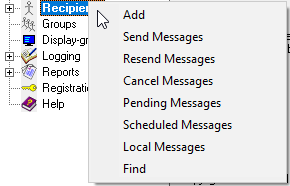
1)Right click Recipients and select 'Add'.
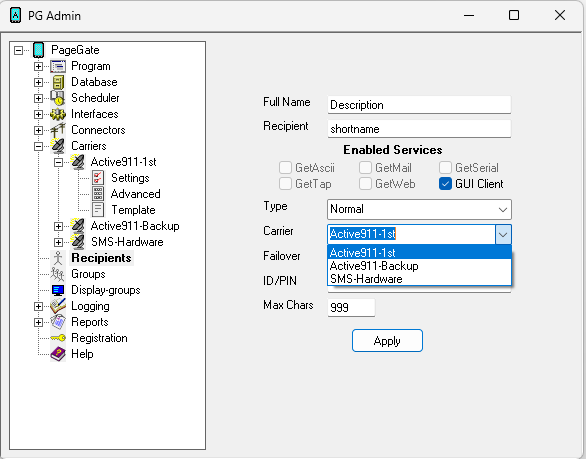
2)Enter a description in the 'Full Name' field and set the 'Recipient' field to the sender's name of a GUI Client.
3)In the 'Type' field, leave the selection on 'Normal'
4)Select the method of delivery used to message this recipient from the 'Carrier' dropdown.
5)Enter the phone number, pager number, GUI ID, email address, etc in the 'ID/PIN' or 'Email To' fields.
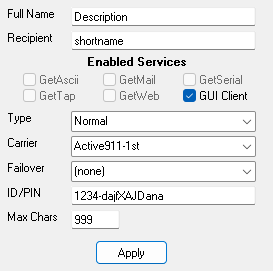
6)Click Apply.